Video Editing - DaVinci Resolve
 |
| storyset on Freepik |
What is Video Editing?
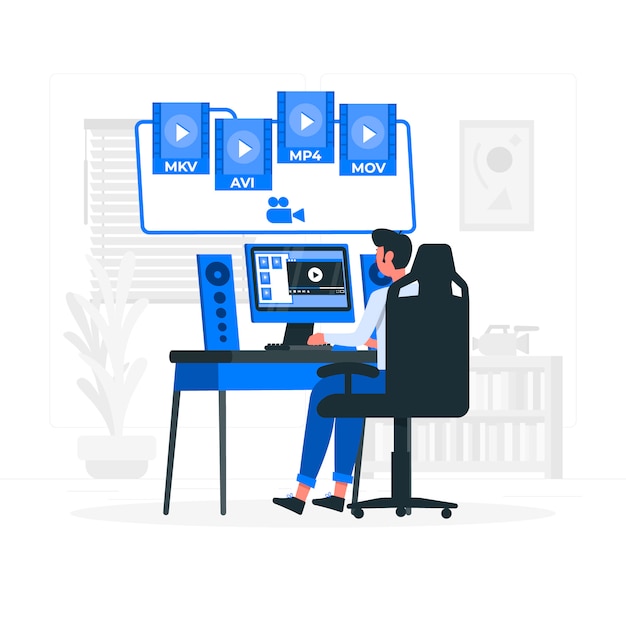
When you think video editing, what comes to mind? For me it's a YouTube video of a man plunging off a cliff and phasing into the ground. Maybe you thought of a film that's 90% CGI. Both of those examples are a result of video editing. To edit a video means to transform it somehow, maybe by taking two separate videos and joining them together, or adding in sparkle explosions above someone's head. The possibilities are virtually endless. Videos posted to social media platforms, but especially movies, make extensive use of video editing. Just think of how many movies you've seen in your life. Every single one of them likely employed video editing techniques in some form. Big companies and groups that make all kinds of video entertainment use corresponding video editing software. Some of the big ones include Adobe Premiere Pro, Final Cut Pro, Avid Media Composer, and DaVinci Resolve. Today we're looking at that last one.
DaVinci Resolve
DaVinci Resolve is of course, one of many examples of video editing software, but it's solidly in the workflow of professionals all over the world. The software is a standout known for both its extremely precise color correction and advanced free version. It's a product developed by Blackmagic Design that comes in two main versions: DaVinci Resolve Public Beta, free software that's missing features in the paid version, and DaVinci Resolve Studio, which is paid-for software with the entire suite of tools, with a one-time payment of $295 per user (Blackmagic Design, 2025).
I tested the free version of this software and made a short video in the process. I was very impressed with the tools I tried out. Since the user interface (UI, the part of the application users interact with), was quite complicated and I am new to video editing software, I followed a short guide on how to use the application. My impressions of the software are fairly positive. I found DaVinci Resolve great for what I wanted to make: a short video blending together video clips and adding effects. Once I read through the guide I was able to find all the tools I needed to add in text, clip and join video, and insert transitions. The color correction tools were great fun to play with as well. All of that was completely free to do.
There are a few considerations to make before trying to acquire this software though. For starters, if you want to make complicated or long videos with lots of effects, you are going to need a good device to work on, something with at least 16 gigabytes of RAM and a good GPU at least (memory and graphics processor, respectively). If you want to go further with DaVinci Resolve and get the Studio version, you're gonna have to pay around three hundred dollars for it. Once you do get going in the software, you will likely need to devote time and effort into researching and practicing how to use it since the UI is rather complicated and challenging to just brute force your way through learning.
I would rate DaVinci Resolve as generally great software, for professionals or the dedicated at least. To really take advantage of either the free or the paid versions, you need to devote time it. Amateur or just causal video editors would be best off working with easier software in my opinion.
Conclusion
Video editing is everywhere in entertainment. There are hardly any examples of TV you see in theaters or on streaming platforms that have not been extensively transformed with this kind of technology. Learning about the tools the video giants use gives at least me a greater appreciation of all the work that goes into a single minute of video.
References
Blackmagic Design. (2025). DaVinci Resolve 20 | Blackmagic Design. Blackmagicdesign.com. https://www.blackmagicdesign.com/products/davinciresolve


Comments
Post a Comment